
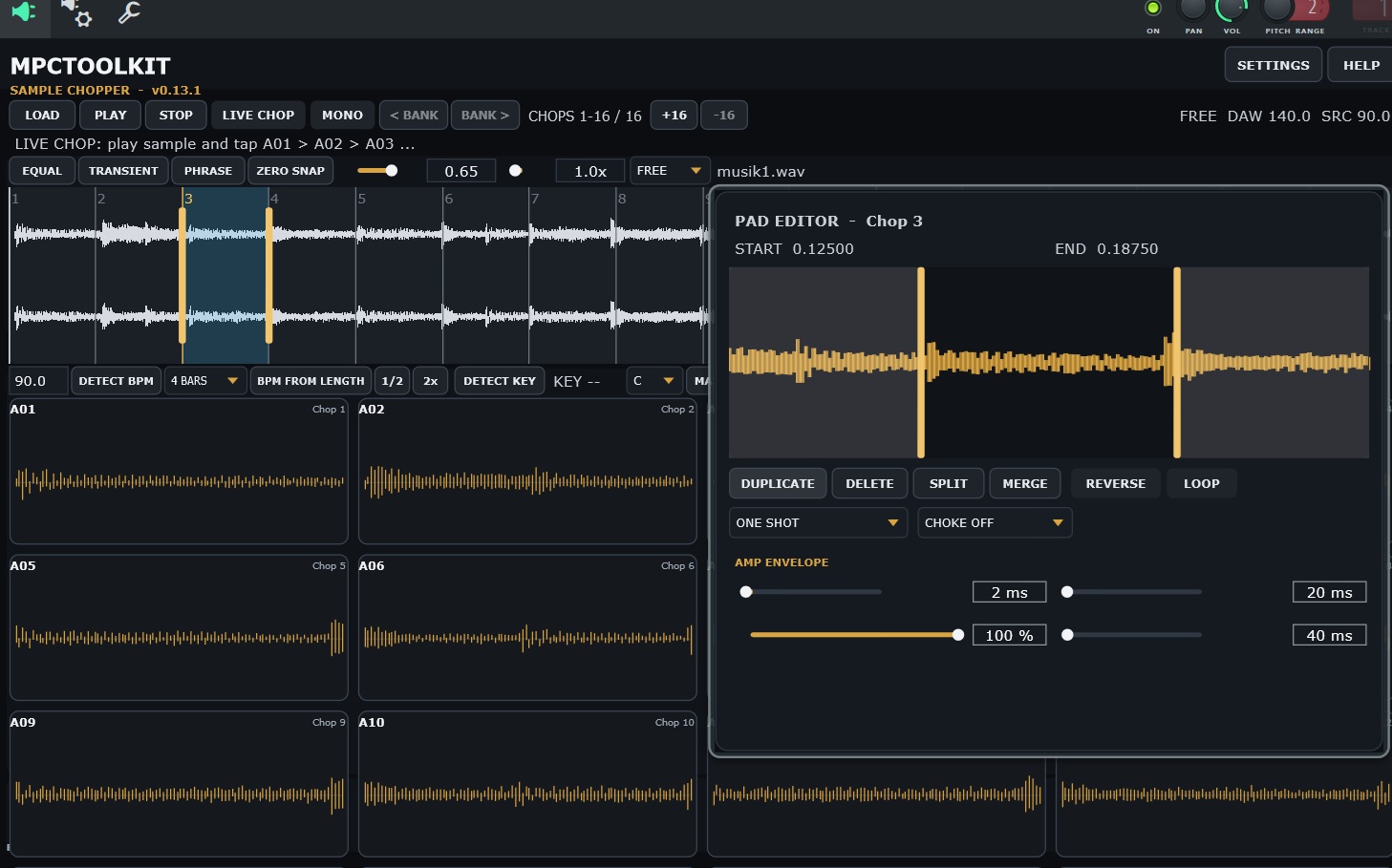

Chop. Shape. Play. Create.
MPCToolkit Sample Chopper is a standalone application and VST3 plugin designed for producers who want a fast, hands-on way to turn samples into playable chops.
Load a WAV file, slice it across up to 16 pads and immediately start playing. Each pad displays its own waveform and can be edited individually — without leaving the main workflow.
Whether you’re building classic Boom Bap chops, rearranging melodic samples, creating drum kits or experimenting with completely new flips, Sample Chopper gives you the essential sampling tools in one compact interface.
Features
- Standalone Application + VST3 Plugin
- Up to 16 playable sample chops
- Individual waveform display directly on every pad
- Manual and automatic sample chopping
- Transient-based chopping
- Adjustable Start & End points
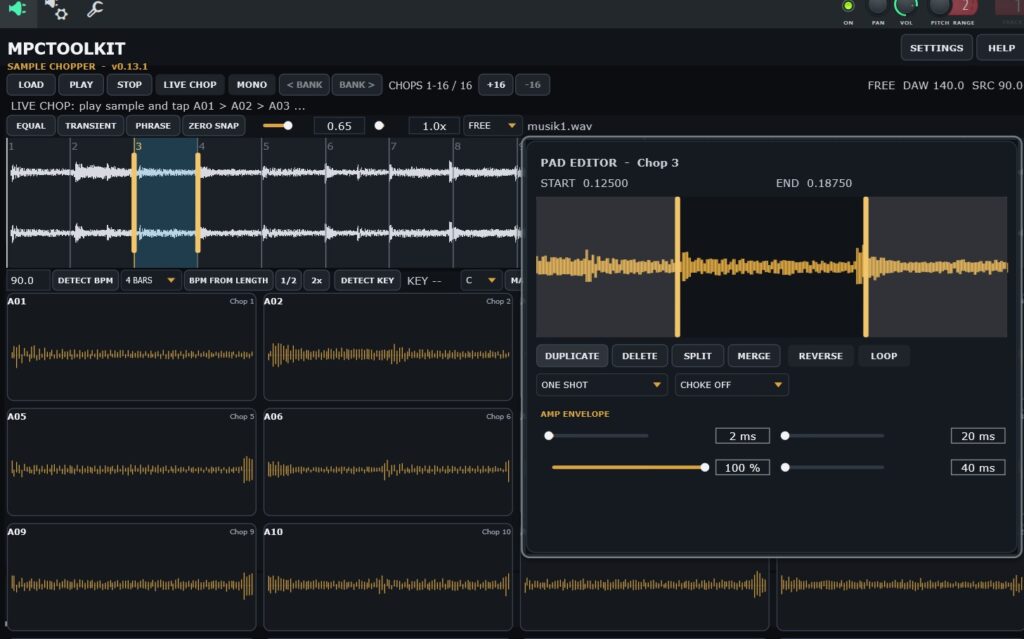
- Pad waveform editor for precise trimming
- Duplicate, Delete, Split & Merge chops
- Drag & Drop pad reordering
- Rename individual chops
- Reverse playback
- Loop mode per chop
- Fade-In & Fade-Out per chop
- Individual AMP Envelope (ADSR) per pad
- Per-Pad Filters: LP12, LP24, HP12 & HP24
- Adjustable Filter Cutoff & Resonance
- One Shot, Gate & Trigger playback modes
- Choke Groups
- Mono & Poly playback
- Pitch control
- Host tempo synchronization
- MIDI pad control
- Experimental MIDI scratch control using Pitch Bend or Mod Wheel
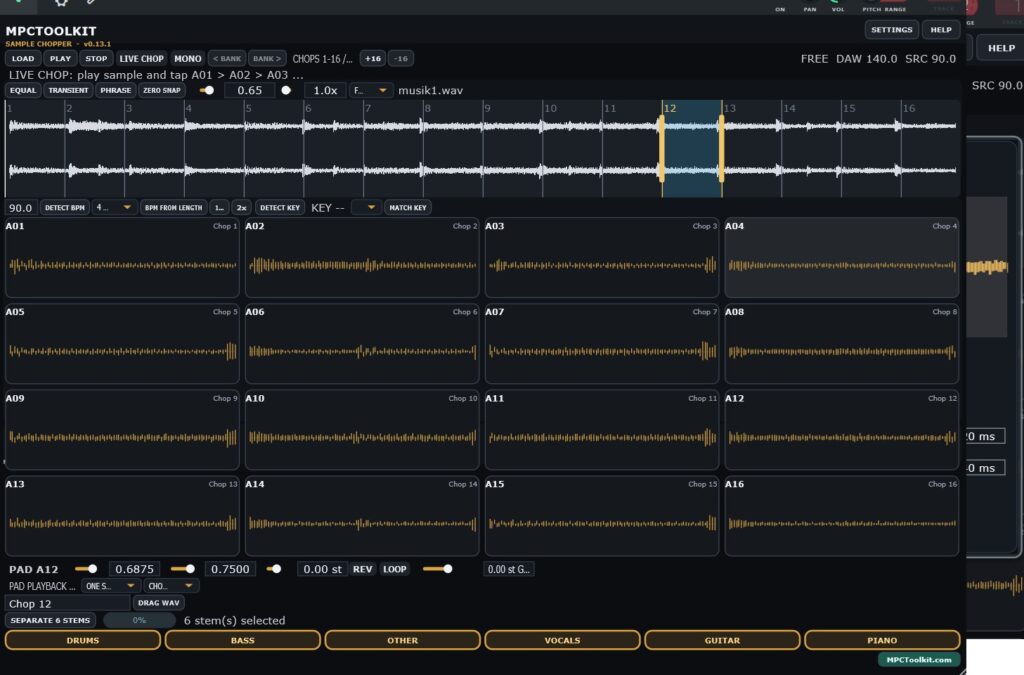
Built-in Stem Separation
Turn a complete song or sample into separate musical elements directly from the Sample Chopper.
Separate:
Drums • Bass • Vocals • Piano • Guitar • Other
Use individual stems or combine several stems before sending the result back into the chopper. This opens up completely new sampling possibilities — isolate the drums, remove the vocals, combine bass and instruments or create a completely different source sample before chopping.
Stem processing runs locally on your computer.
Made for Sample-Based Production
MPCToolkit Sample Chopper is designed around a simple idea:
Spend less time preparing samples and more time making beats.
Load a sample, find the interesting parts, shape your chops and play.
No complicated sampler architecture. No huge sound-design environment. Just the tools needed to turn audio into something playable.
Project Recall
When used as a VST3 plugin, your chop settings are stored with the DAW project, including chop positions, playback settings, envelopes, filters and other pad parameters.
Keep the original source audio available at its saved location for project recall.
Activation
A free MPCToolkit account is required for first-time activation. After successful activation, your login password is not stored by the plugin.
Windows • Standalone + VST3
User Manual for the MPC TOOLKIT Chopper
Use Discount Code SUMMER2026